GitHub App Integration Overview
What the Nirmata GitHub App integration does and why it improves GitOps security over PAT-based approaches.

Install and configure the Nirmata GitHub App to enable GitOps workflows and automated policy remediation. For an overview of what the integration does and why it improves security over PAT-based approaches, see GitHub App Integration Overview.
For a reference of what the app can and cannot access in your repositories, see GitHub App Permissions.
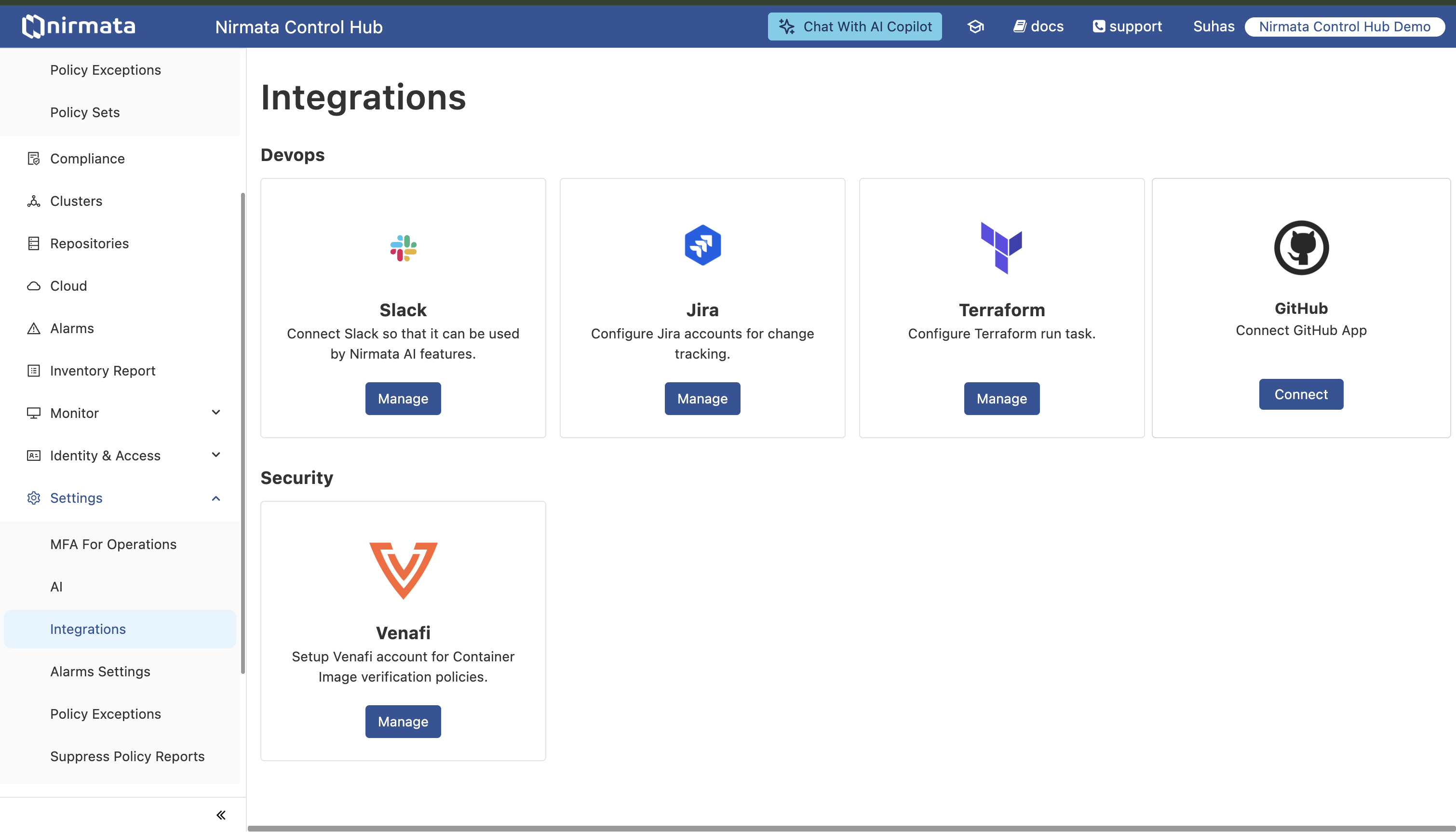
Follow these steps to connect your GitHub account to Nirmata:
On the GitHub authorization page, you’ll see:
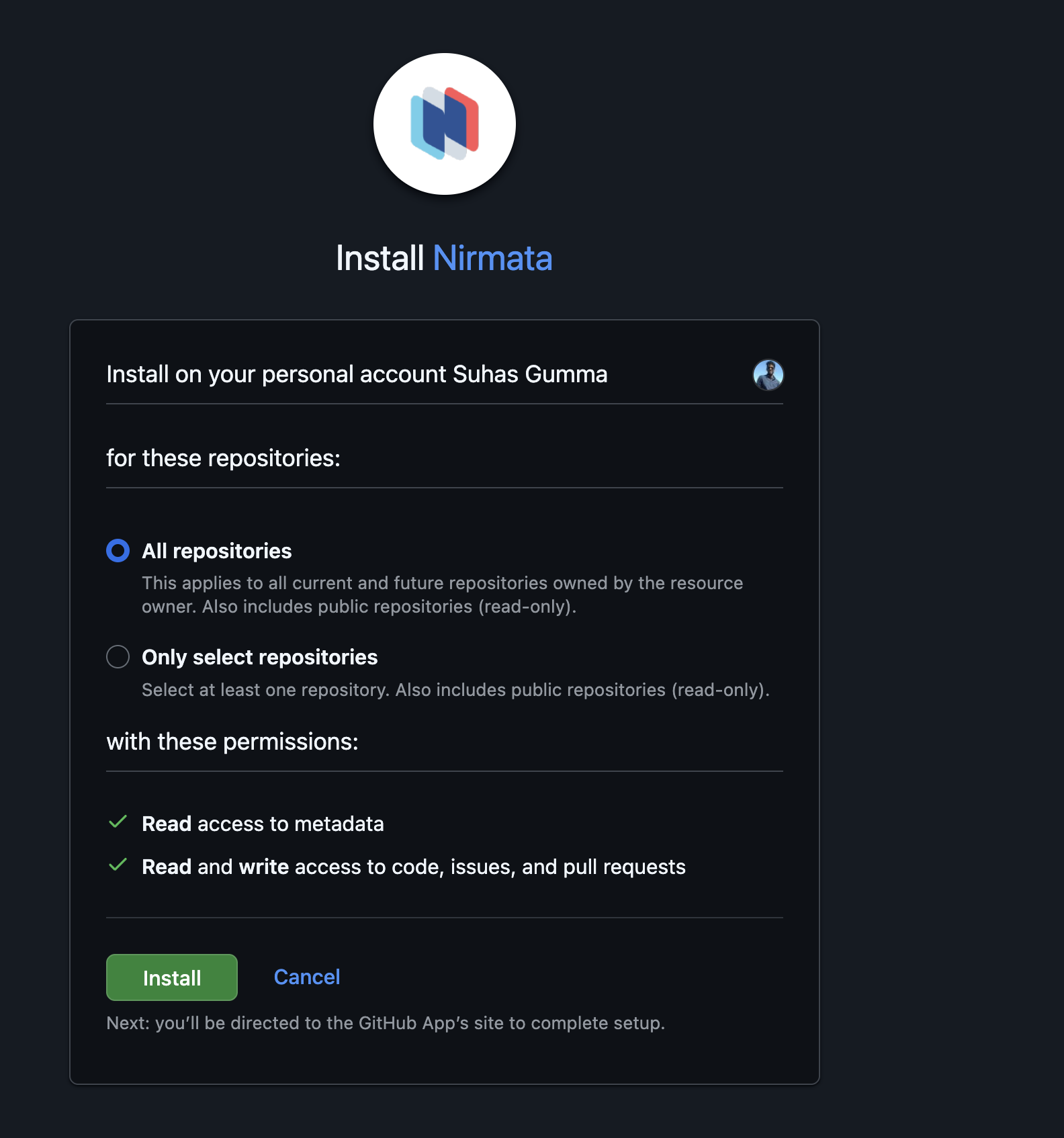
Select Account: Choose the GitHub account or organization where you want to install the app
Select Repositories: Choose which repositories Nirmata can access:
Review Permissions: The Nirmata GitHub App requests the following permissions:
Click Install to authorize the connection
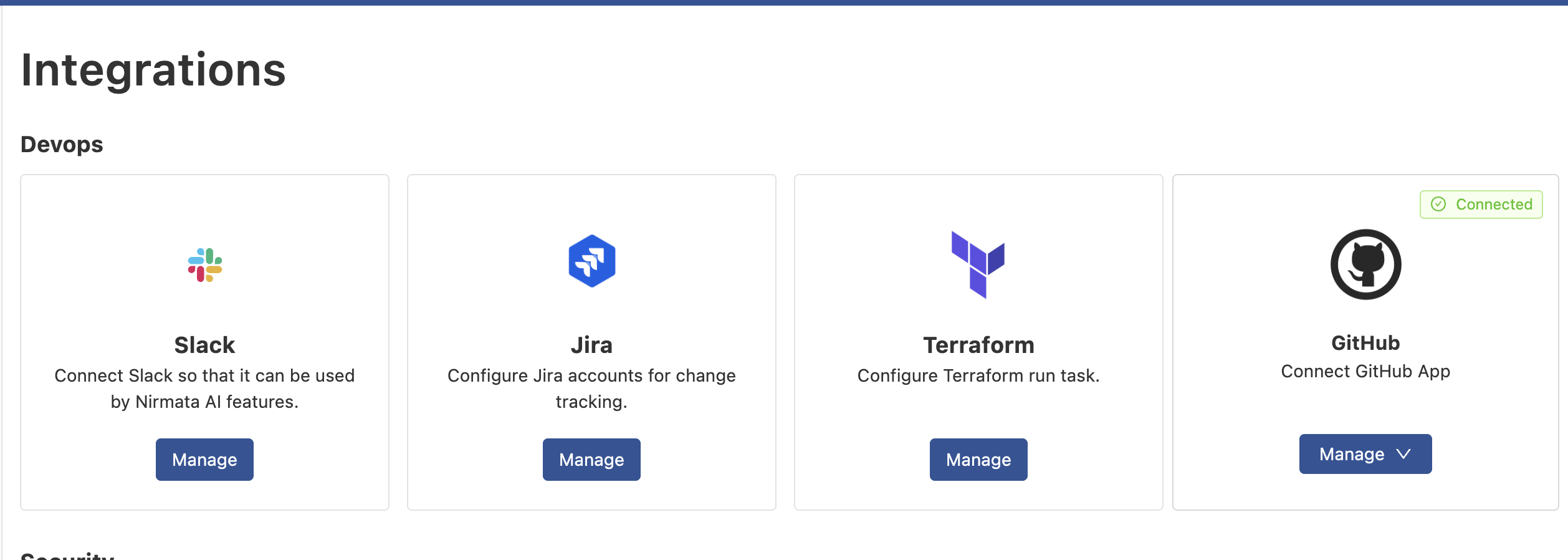
After installation, you can view and manage the connected repositories:
To add or remove repository access:
To remove the GitHub App integration:
Alternatively, you can uninstall directly from GitHub:
Once the GitHub App is connected, it can be used across various Nirmata features:
The Remediator Agent uses the GitHub App to create pull requests with policy fixes:
apiVersion: serviceagents.nirmata.io/v1alpha1
kind: ToolConfig
metadata:
  name: nirmata-github-tool
  namespace: nirmata
spec:
  type: github
  credentials:
    method: nirmata-app  # Uses GitHub App configured in Nirmata Control Hub
  defaults:
    git:
      pullRequests:
        branchPrefix: "remediation-"
        titleTemplate: "remediator: Fix policy violations in %s"
        commitMessageTemplate: "Auto-fix: Remediate policy violations in %s"
        systemLabels:
          - "branch"
          - "clusterName"
          - "appName"
          - "namespace"
        customLabels:
          - "security"
          - "compliance"
```text

**Prerequisites:**
- GitHub App installed and connected in Nirmata Control Hub
- `SERVICE_ACCOUNT_TOKEN` or `API_TOKEN` environment variable configured in your cluster
- No additional secrets required


### Example: Remediator with GitHub App

```yaml
apiVersion: serviceagents.nirmata.io/v1alpha1
kind: Remediator
metadata:
  name: remediator-sample
  namespace: nirmata
spec:
  environment:
    type: argoHub

  target:
    argoHubTarget:
      argoAppSelector:
        allApps: true

  remediation:
    llmConfigRef:
      name: remediator-agent-llm
      namespace: nirmata
    gitCredentials:
      name: nirmata-github-tool  # Reference to your ToolConfig
      namespace: nirmata
    triggers:
      - schedule:
          crontab: "0 */6 * * *"
    actions:
      - type: CreatePR
        toolRef:
          name: nirmata-github-tool  # Reference to your ToolConfig
          namespace: nirmata
```text


## Troubleshooting

### Cannot Connect to GitHub

**Problem**: The "Connect" button doesn't redirect to GitHub or shows an error

**Solutions**:
1. Ensure you're logged into GitHub in the same browser
2. Check that pop-ups are not blocked in your browser
3. Verify you have admin access to the GitHub organization where you want to install
4. Clear browser cache and cookies, then try again

### Missing Repository Access

**Problem**: Nirmata cannot access a specific repository

**Solutions**:
1. Verify the repository is included in the GitHub App installation:
   - Go to GitHub → Settings → Applications → Installed GitHub Apps
   - Click **Configure** next to Nirmata
   - Check if the repository is listed or "All repositories" is selected
2. If missing, add the repository:
   - Click **Configure** next to Nirmata
   - Select the repository from the dropdown
   - Click **Save**

### Pull Requests Not Being Created

**Problem**: AI agents or GitOps workflows can't create pull requests

**Solutions**:
1. Verify the GitHub App is installed on the target repository (see "Missing Repository Access" above)
2. Check that the repository is not archived or read-only
3. Ensure branch protection rules don't prevent the app from pushing
4. Review the application logs for detailed error messages:
   ```bash
   kubectl logs -n nirmata -l app.kubernetes.io/name=remediator-agent --tail=100
SERVICE_ACCOUNT_TOKEN or API_TOKEN is correctly configuredNeed help with GitHub App integration?
What the Nirmata GitHub App integration does and why it improves GitOps security over PAT-based approaches.
What repository permissions the Nirmata GitHub App requests and what it can and cannot do.